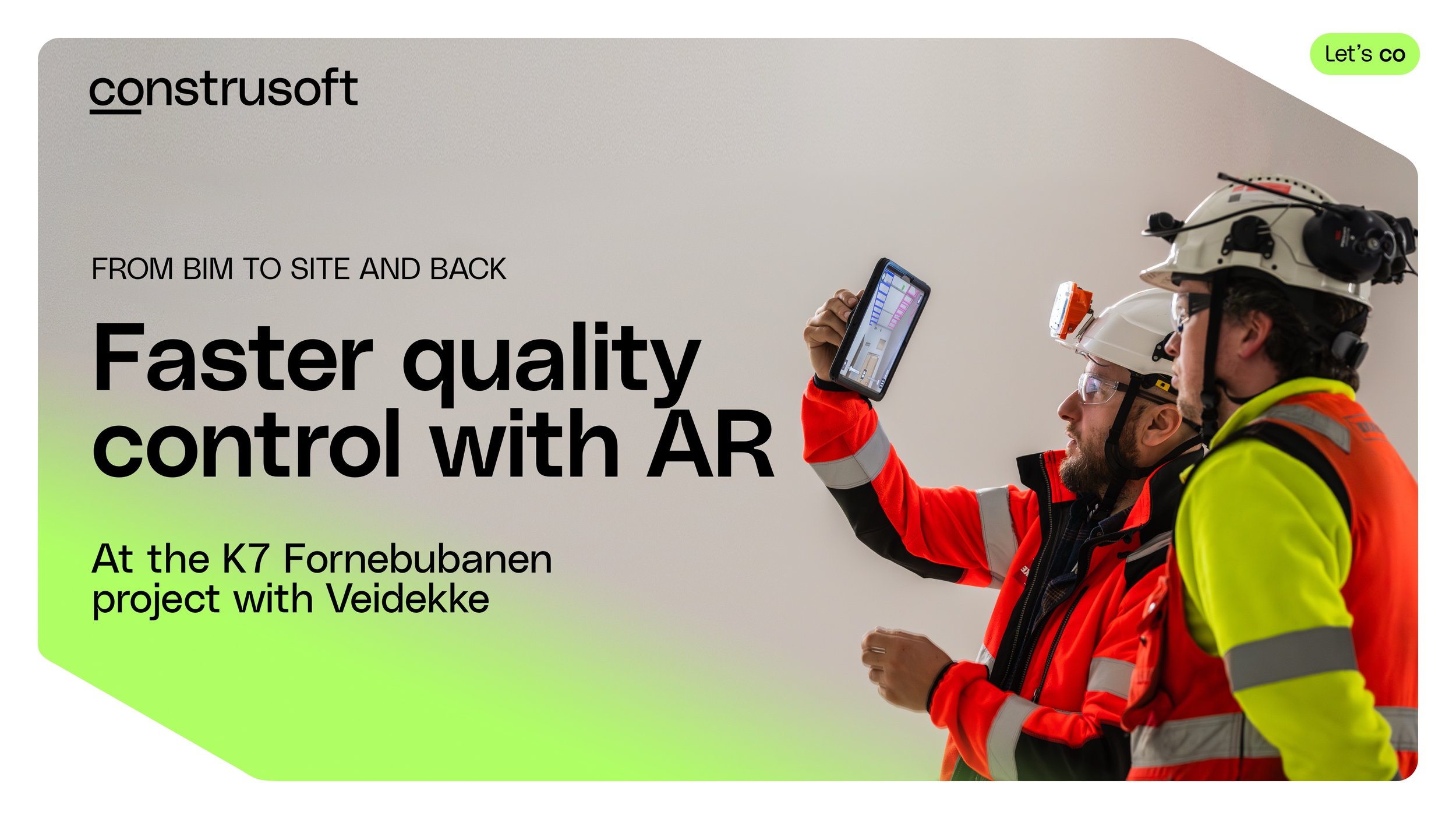
What if checking whether what has been built matches the BIM model was as simple as looking at the construction site through a tablet?
At the K7 Fornebubanen project, where Veidekke is building the metro stations at Lysaker and Vækerø, augmented reality with Trimble SiteVision is becoming part of the quality control workflow. It helps the team identify deviations and potential issues earlier, document what they find, and communicate directly with the engineering teams through Trimble Connect – with location and context automatically included in the issue report.
Digital workflows across diciplines

IMAGE: BIM engineers and surveyors teaming up to discuss ongoing installation
The Fornebubanen project is a large and complex infrastructure project, with many disciplines and project teams contributing information throughout design and construction.
For Veidekke, who has the contract (called K7) to build the new metro stations at Lysaker and Vækerø, 3D models in Trimble Connect are an essential part of the digital workflow.
However, having good digital information is only part of the equation. The information also needs to be available where construction actually happens – and there needs to be an efficient way of comparing the design with what has actually been built.
This is where augmented reality can help connect the digital and physical parts of the project.
“Augmented Reality takes advantage of people’s ability to compare things visually. It is a very natural way to understand the design, and to perform quality control. We already rely on Trimble Connect and with Trimble SiteVision we have a robust workflow that we can use in the project”, says Øyvind Svaland, Senior BIM & Digitalisation Coordinator at Veidekke.
The challenge with quality control, documentation and communication
Quality control on a construction site often means comparing the finished work against drawings, models and other design information. When something does not match, identifying the deviation is only the first step.

“
Augmented Reality takes advantage of people’s ability to compare things visually. It is a very natural way to understand the design, and to perform quality control.
We already rely on Trimble Connect and with Trimble SiteVision we have a robust workflow that we can use in the project.
- Øyvind Svaland, Veidekke
The issue also needs to be documented, located accurately, communicated to the right people and followed up. This can mean taking photos, finding the corresponding location in drawings or models, describing the issue and communicating back and forth between the construction site and engineering teams.
The more manually information has to be transferred between different tools and people, the more time the process takes – and the easier it is to lose important context along the way.
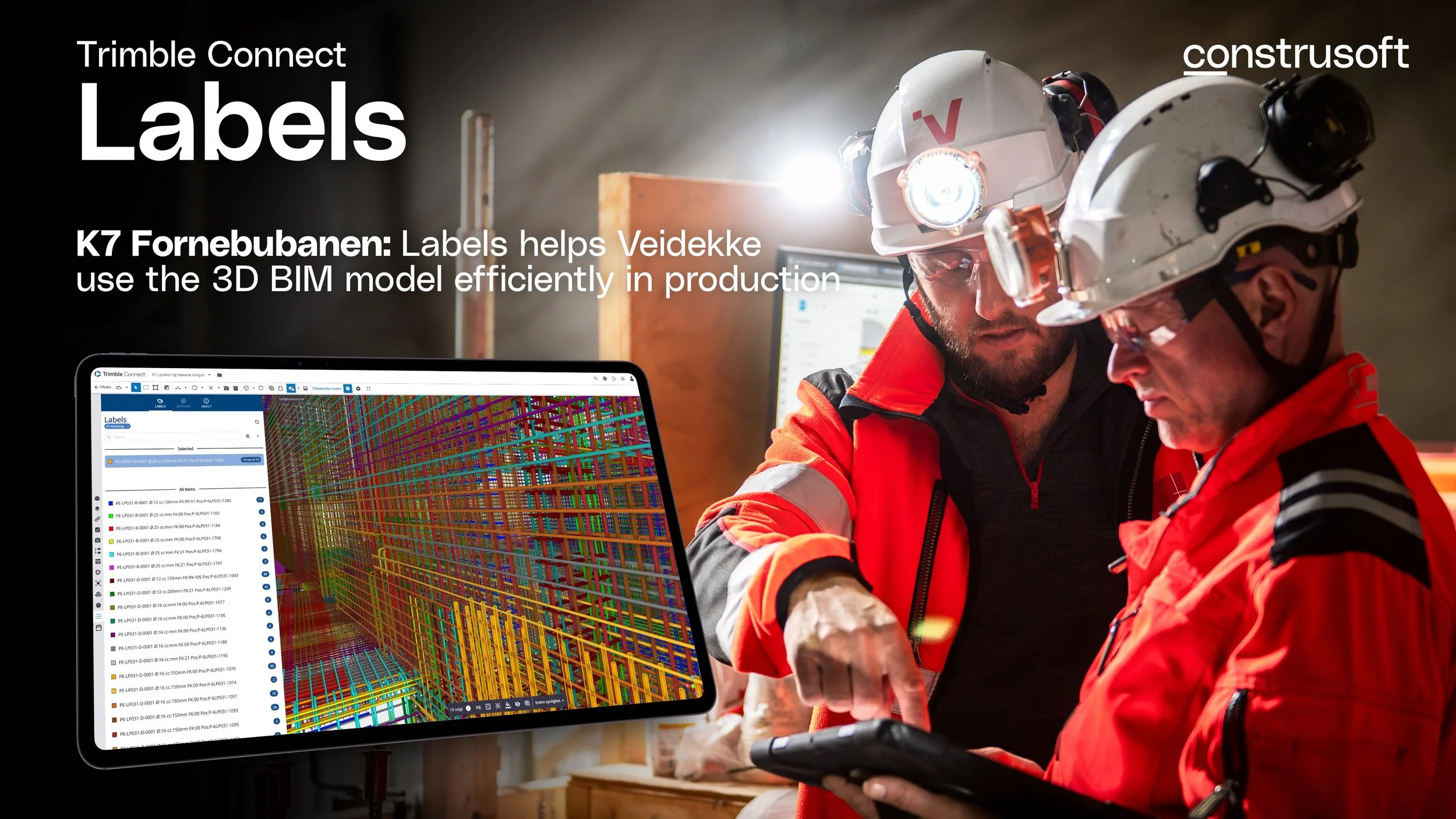
ARTICLE: VEIDEKKE, K7 FORNEBUBANEN:
Trimble Connect Labels
The Labels extension helps Veidekke’s on site construction team use the 3D model in production on K7 Fornebubanen
Using the 3D model on site
IMAGE: Surveyors set out QR markers on the site. Inspectors can the scan the marker and open the 3D model for this section of the site, and align it with the real world.
At the K7 project, Veidekke uses Trimble SiteVision — an Augmented Reality extension to Trimble Connect — to bring the 3D model into the physical construction environment.
Before SiteVision can be used for inspection, the digital model needs to be accurately aligned with the real world. Surveyors place physical markers at known positions on the construction site. The SiteVision user scans the QR code on the marker, giving the application a known reference point from which to position the model.
Once aligned, the user can walk through the area with a tablet and see the BIM model overlaid on the actual construction.
IMAGE: Visually discover clashes or other challenges in a natural way through observation, using section cuts and changing the transparency of the 3D objects, combined with movement around the site.
In one example on the site, the model shows piping that is designed to pass through a concrete wall.
Looking at the physical wall through SiteVision immediately reveals the problem: the pipes continue through the wall in the model, but there is no corresponding opening in the wall.
Whether the cause is a design change, missing information or an error during construction, this is clearly something that needs to be investigated.
And importantly, the workflow does not stop when the problem is discovered.
From observation to action
IMAGE: Snap a picture and log the issues immediately and assign it to someone for follow-up. This allows for a very natural workflow: Discover - document - assign case.
The issue can be documented directly where it is found. The user records what they see and creates a BCF Topic, providing the project team with both the issue and its context.
Through Trimble Connect, the information can be shared with the relevant engineering team for investigation and follow-up. Instead of trying to explain the location through an email, separate photographs and references to drawings, the issue is connected to the digital project information.
“If we find a mistake using Augmented Reality, it is very easy to log an issue on the fly and to assign it to our team for follow-up, and then continue the inspection”, says Øyvind Svaland.
This creates a much shorter path from seeing a potential problem on site to getting it in front of the people who can resolve it.
“
If we find a mistake using Augmented Reality, it is very easy to log an issue on the fly and to assign it to our team for follow-up, and then continue the inspection
- Øyvind Svaland, Veidekke
The same principle can be applied to many types of quality control. Openings, installations, structural elements and other building components can be visually compared with the model while standing in the actual construction environment.
Augmented reality is just one of many examples of how one can take greater advantage of the value of BIM by bringing the 3D model into production on site.
Thank you
Thanks to Veidekke and Fornebubanen for the insight into the project.
How to get started with AR in Trimble SiteVision
For project teams already working with 3D models and Trimble Connect, introducing AR does not require creating a separate digital workflow. SiteVision builds on the models and project information that are already there.
Along with Trimble Connect, it gives construction teams access to the same digital models being used elsewhere in the project, but in a form that is particularly useful on site: at full scale and directly in the context of the physical construction.
Quality control is also a good example of where to begin. The value is easy to understand: take the BIM model to the construction site, position it accurately in the real world and use it to help answer a very practical question: Does what we have built match what we intended to build?
And when it doesn't, make sure the people who can resolve the issue know about it with the issue reporting built-in directly in SiteVision.

ARTICLE:
Experiences with AR at NYMO
At NYMO, augmented reality has become a practical tool in daily fabrication work. Using Trimble Connect and Trimble SiteVision, engineers can bring the 3D model into the field to check assembly, detect errors earlier, and document findings directly on site.
OTHER ARTICLES