
TRIMBLE REALWORKS
Automated, point cloud workflows
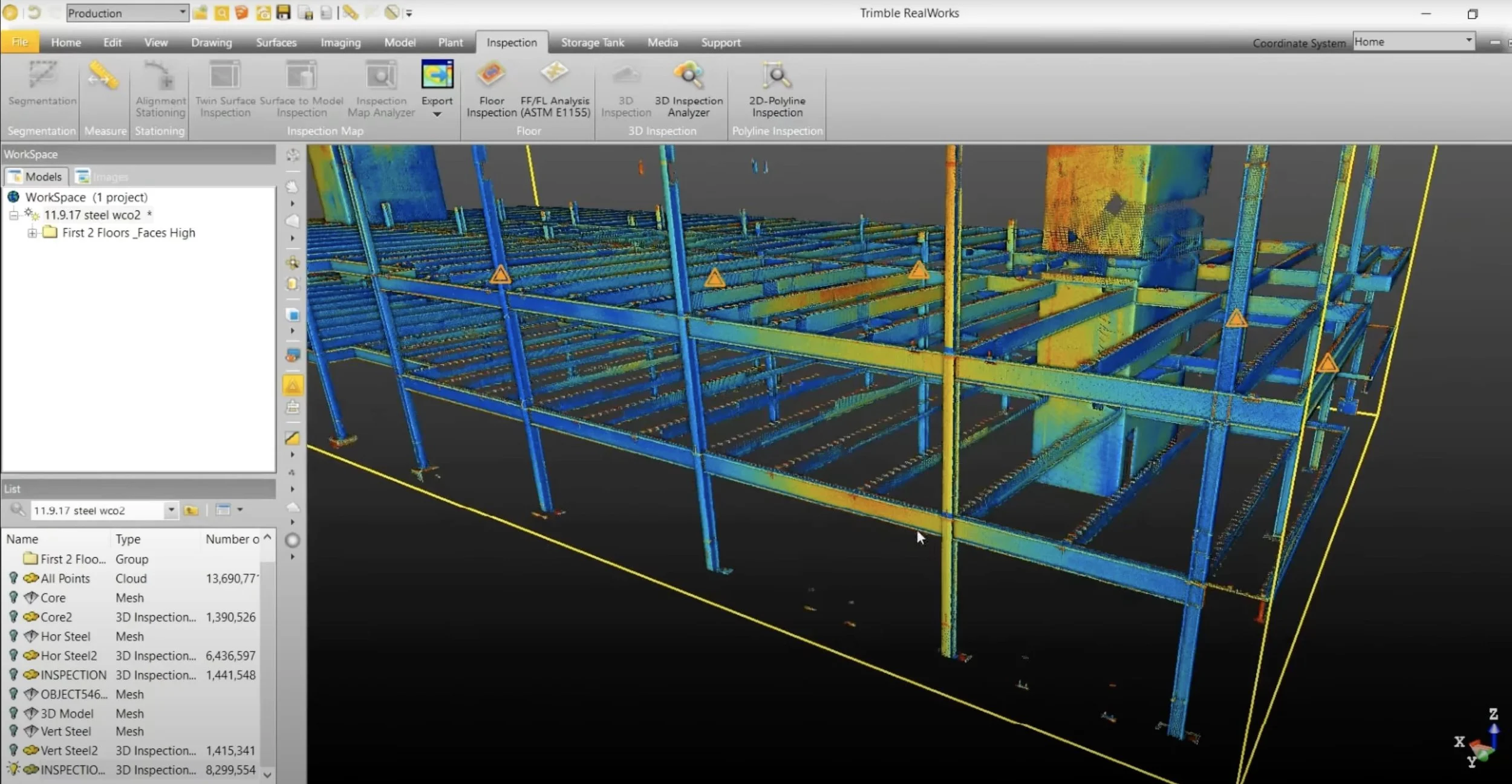
Import point cloud data from virtually any source, then quickly process, analyze and create high-quality deliverables with the automated tools and point cloud-specific workflows of Trimble® RealWorks™ software.
Enhanced scanning workflows
Designed for point cloud processing and analysis, Trimble RealWorks registers, analyzes, models and creates deliverables using data from virtually any source.
Get a clear picture of the real world. Efficiently register, analyze and model point cloud data to create high-quality deliverables from virtually any source.
Explore as-built data quickly & easily. Manage, process, manipulate and analyze 3D point cloud datasets by utilizing automated tools and workflows to meet your scanning needs.
Trimble Realworks Features
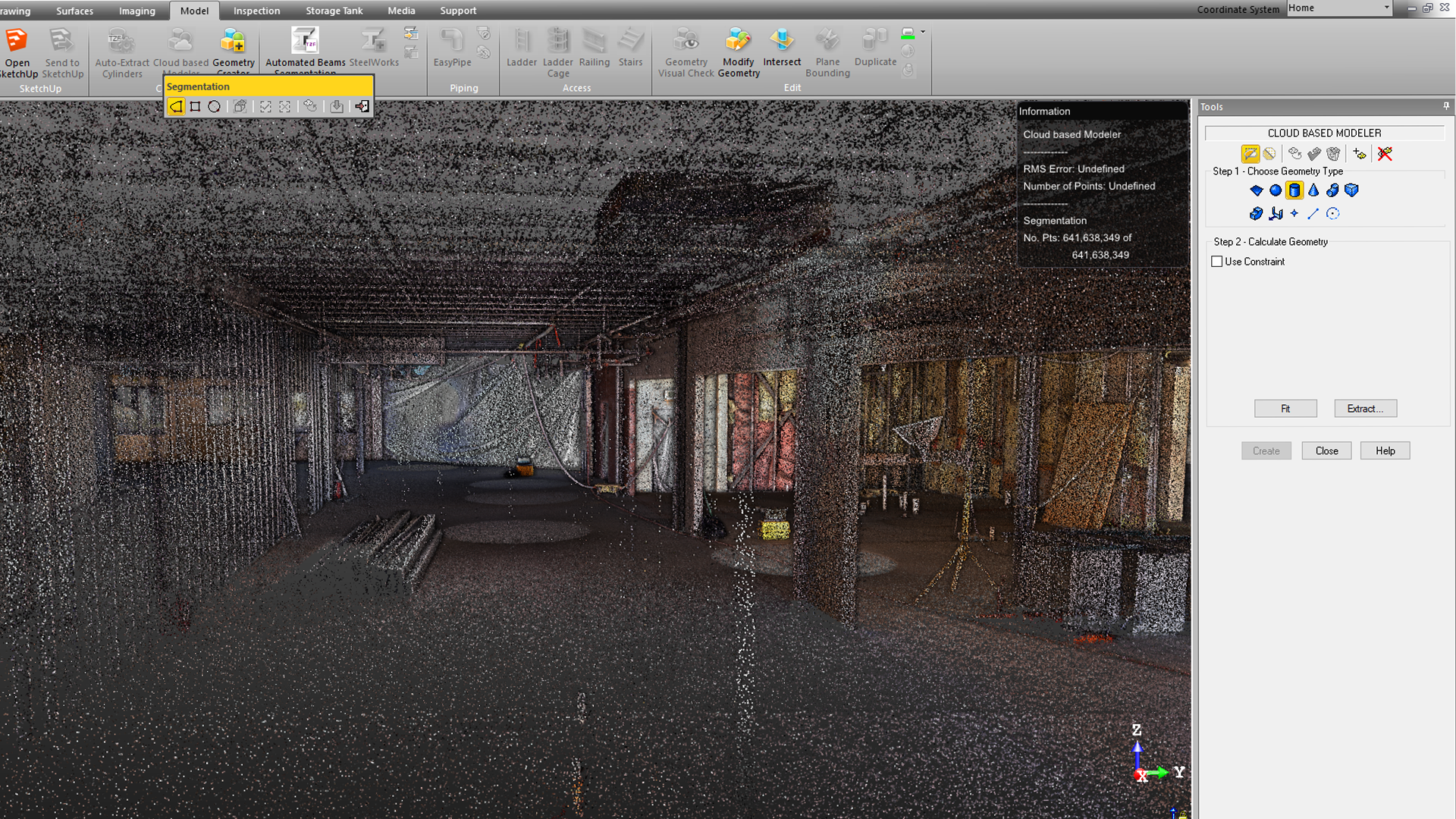
Model for the Real World
Create 3D models from the point cloud and export directly into Tekla, SketchUp. Or, export to a ReCap file for direct import into Autodesk products such as Revit, AutoCAD and Navisworks.
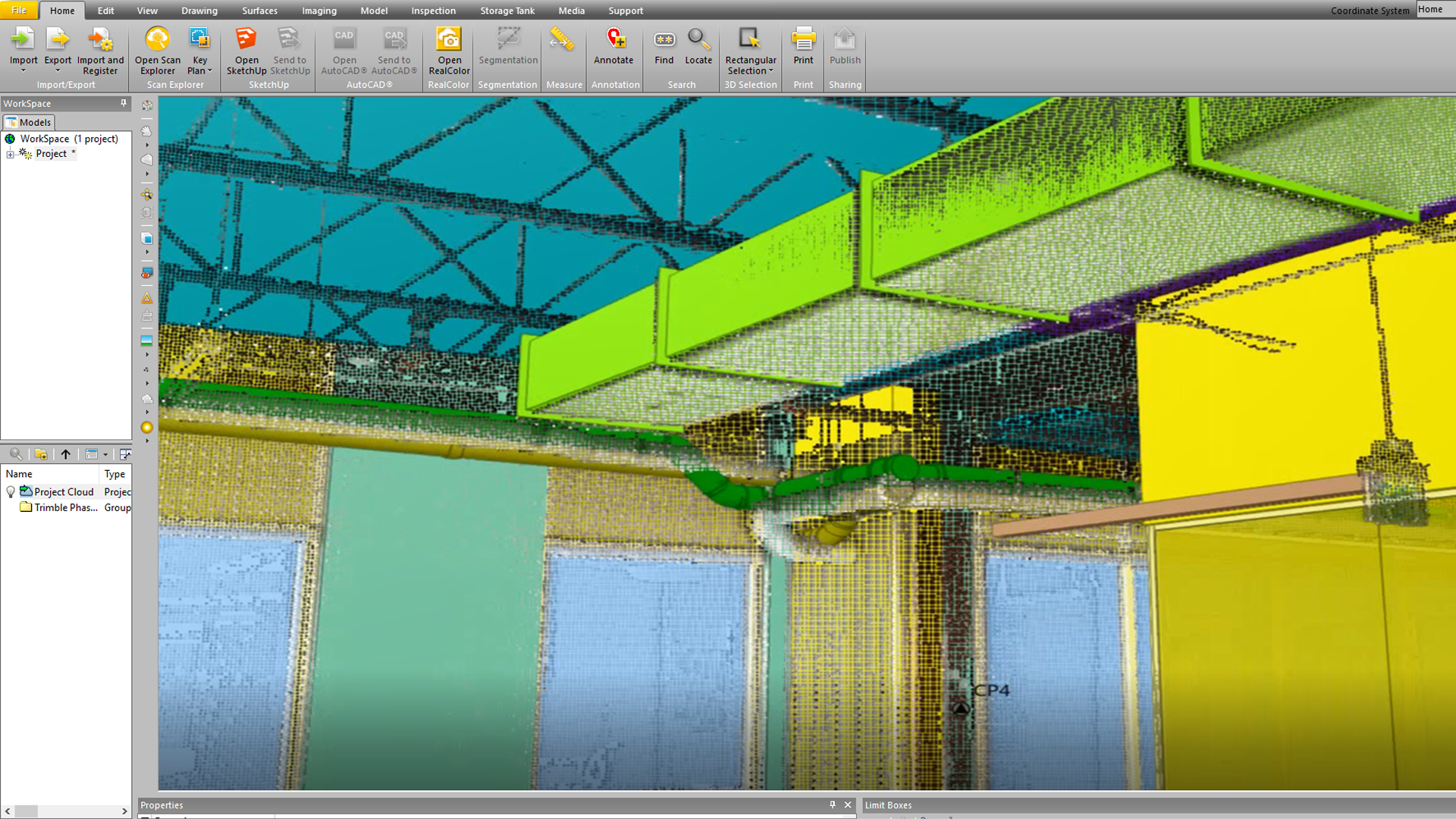
Pre-Construction Design Help
Detect clashes by overlaying point cloud conditions with your design model and detailing software.
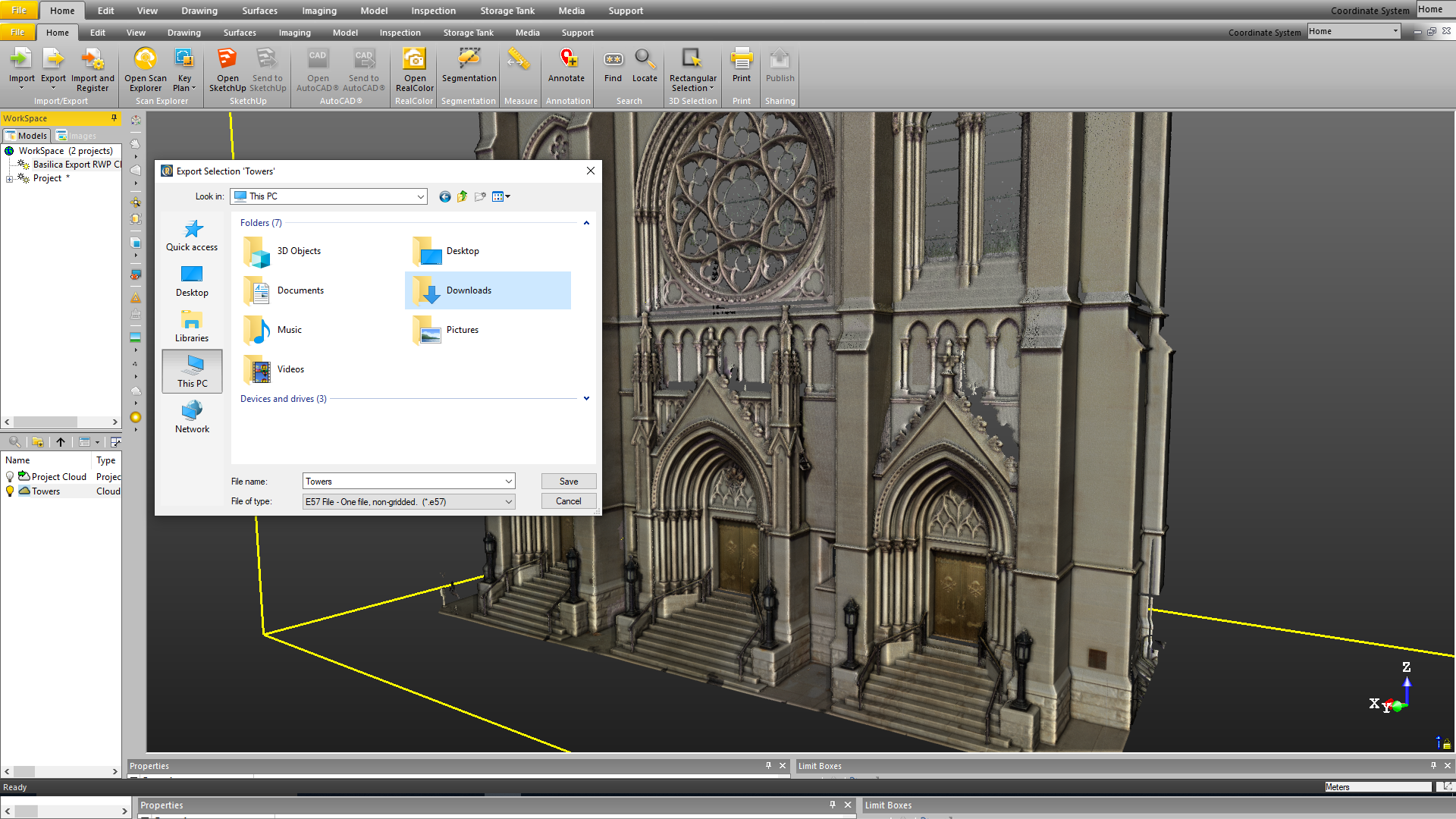
Share Information
Share a little or all the data with project stakeholders for standalone viewing, exploration, measuring and annotating.
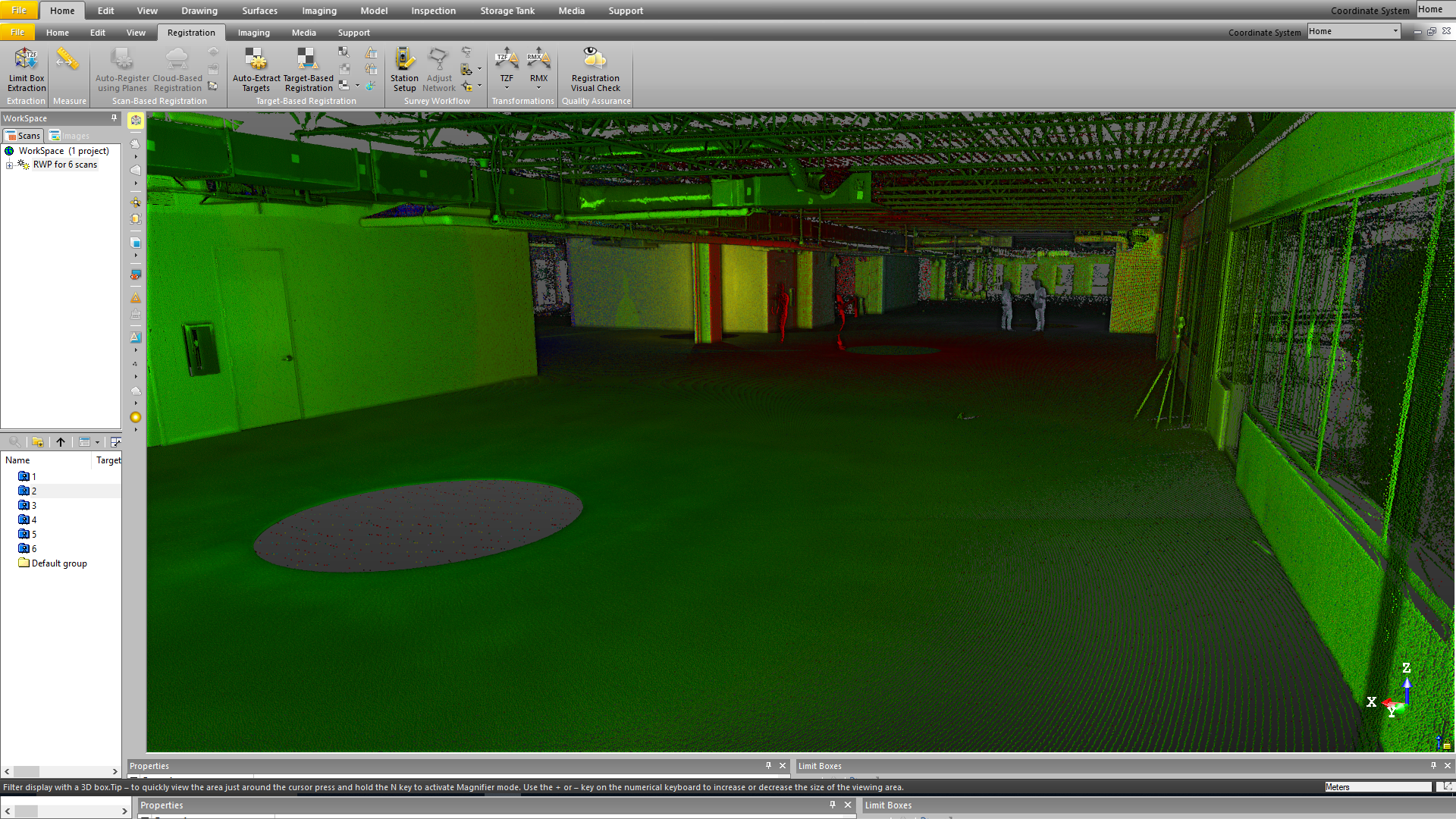
Auto-Registration
Register scan data automatically into a composite point cloud – With or without targets.
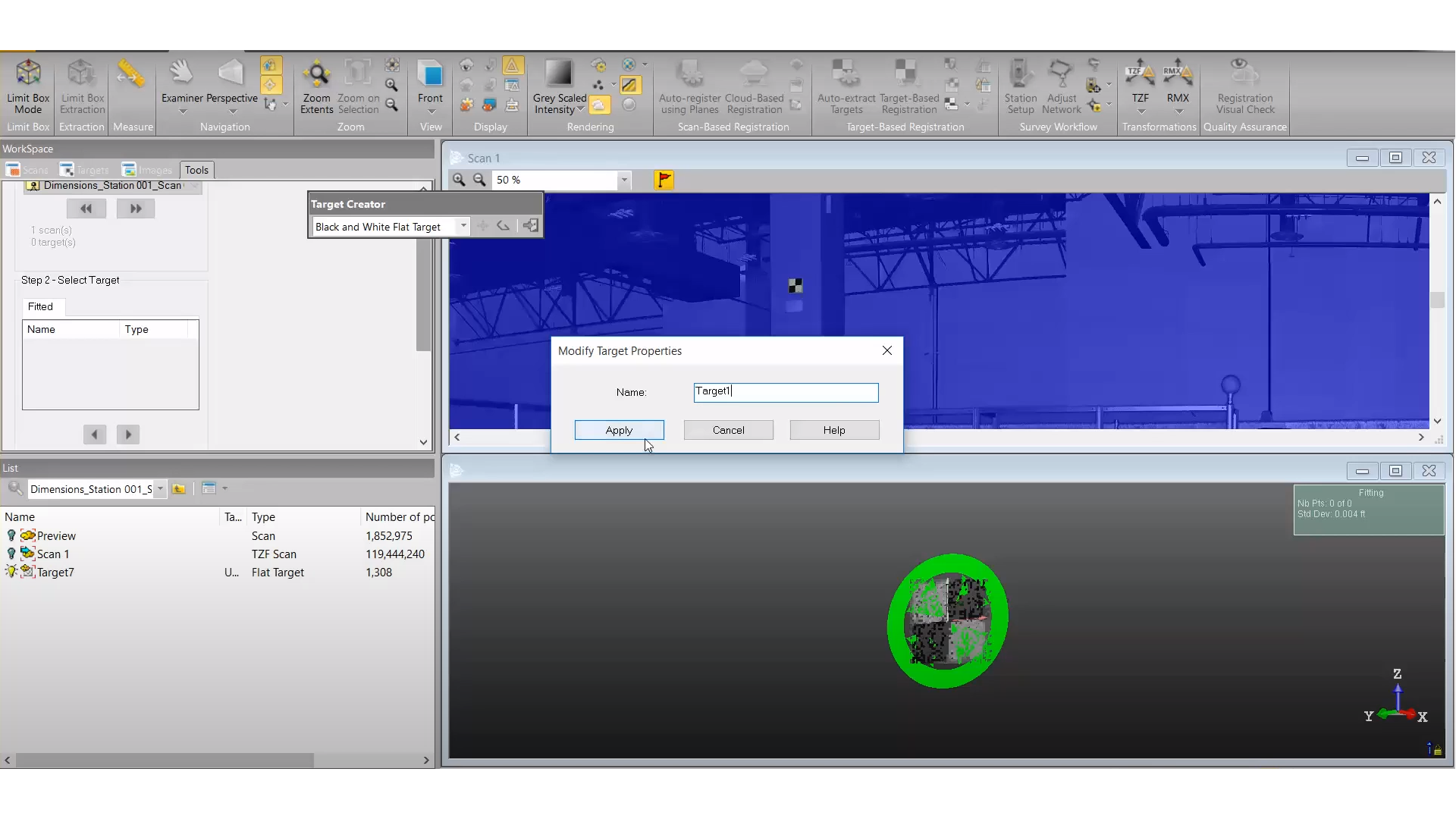
Align to Model Coordinates
Geo-reference scan data to project coordinates with integrated tools, ensuring alignment with the 3D construction model.
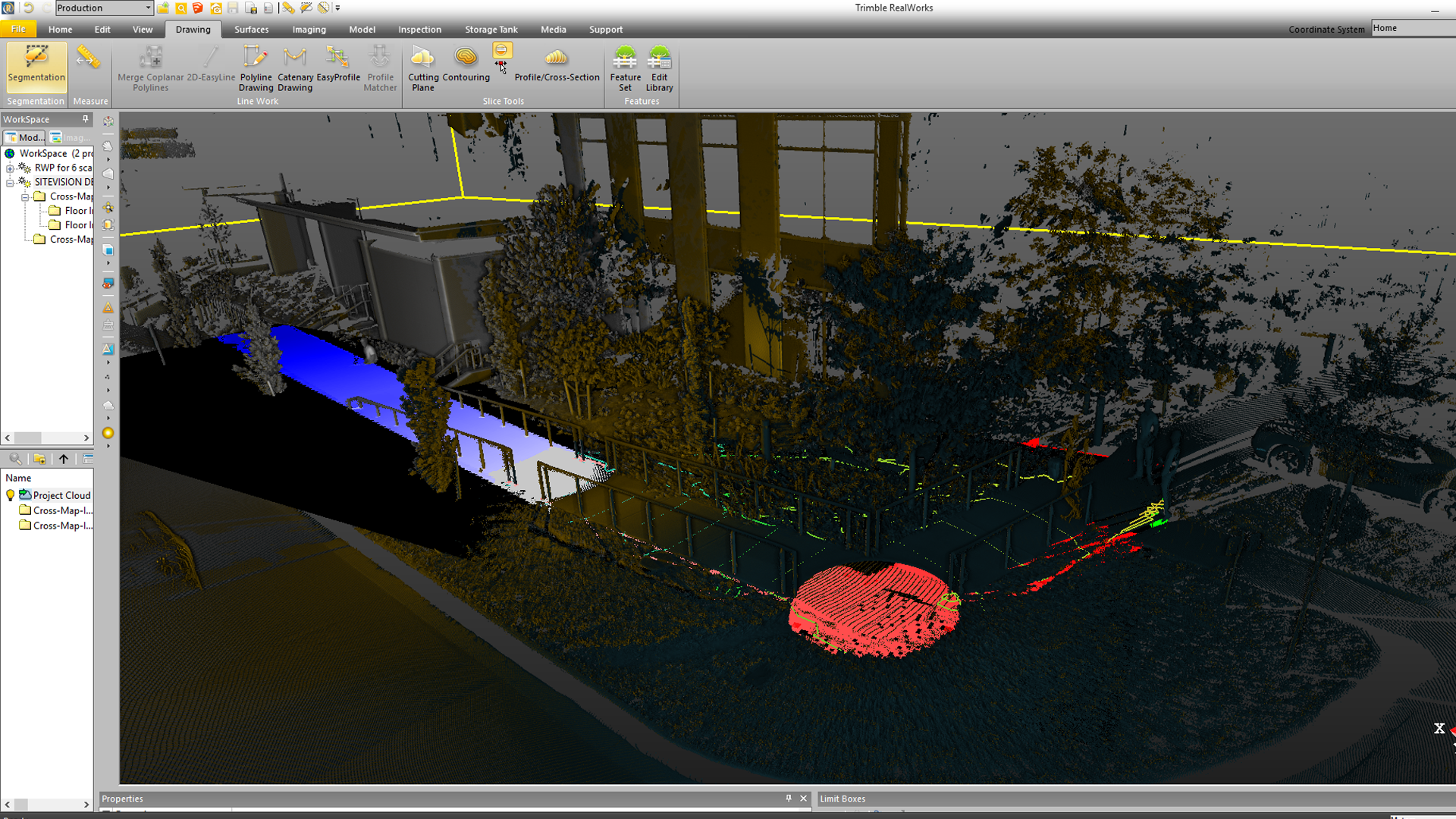
Broad Range of Deliverables
The broad range of tools available allow you to create cross-sections, meshes, contours, volumes, line work, ortho-photos and models.